Photograph
Take a front and a back photo of each vinyl sleeve, then place the images into your input folder.
Vinyl software for Windows
Turn record photos into neatly named folders and usable catalog data. In batches, without manual sorting.
Windows One-time purchase
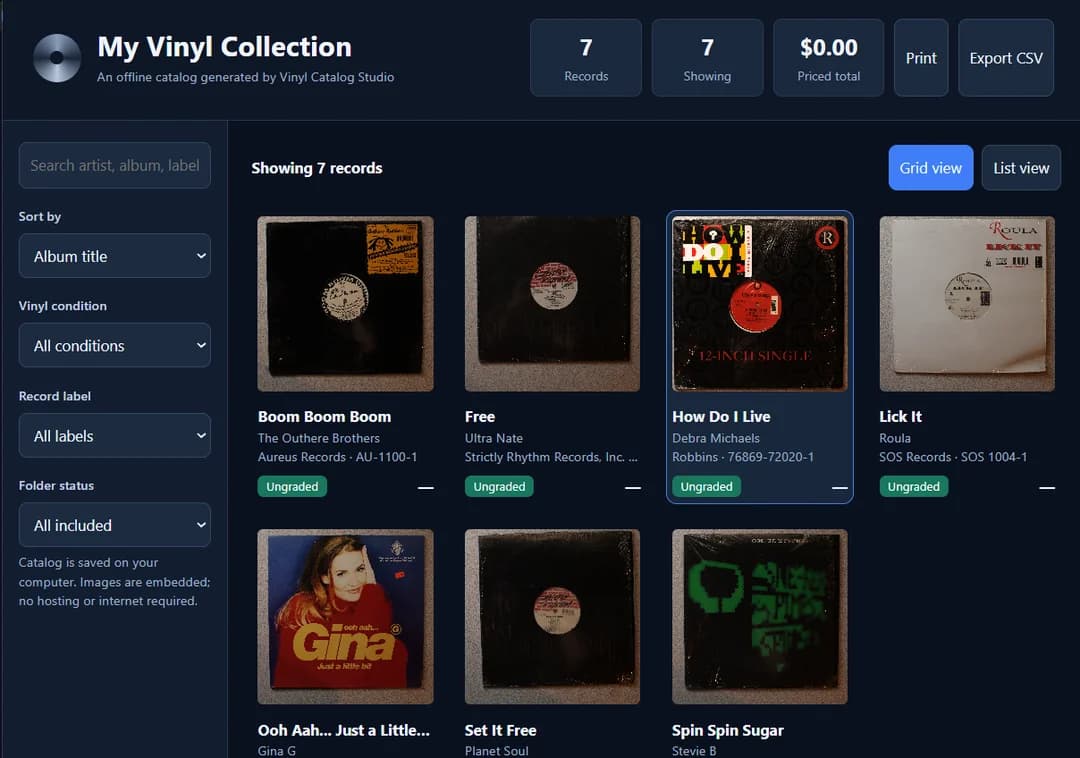
How it works
Take a front and a back photo of each vinyl sleeve, then place the images into your input folder.
Add a batch of photos and run the Windows app.
Open the record folders and JSON data it creates. Records that need a closer look are flagged for review.
The essentials
Guided help
The included help page provides a comprehensive tutorial, with guidance for getting started and working through the organizer.
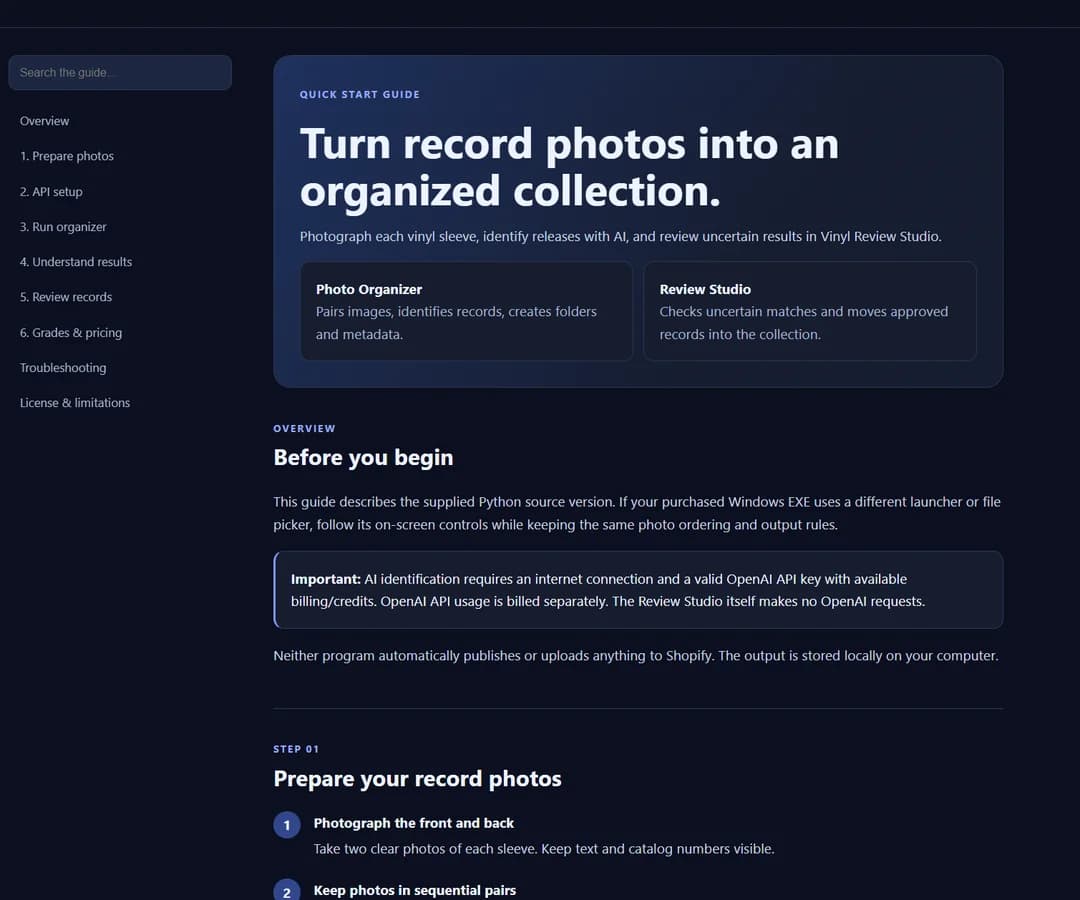
Windows software
Review the requirements before purchasing. Photo identification requires internet access and separately billed OpenAI API usage.
Supported Windows versions are still being confirmed.
FAQ
It processes batches of front-and-back vinyl sleeve photos, organizes output into folders by record, creates structured JSON catalog data, and separates uncertain results for manual review.
No. Direct Discogs publishing, account synchronization, and Shopify product publishing are not included in the current release.
The photo-identification workflow requires internet access and a separately billed OpenAI API key. The exact setup and any third-party costs must be confirmed for the shipped build; the $27 purchase does not promise unlimited AI usage.
Identification can be incomplete or inaccurate. Similar artwork and different pressings can be confused, so verify metadata before using it in a listing. Matrix and runout identification is not promised.
The supported Windows versions and system requirements have not been confirmed yet. Check the final product listing for compatibility before purchase.